Images
GPT Image 2 · Nano Banana Pro
Ideas, references and image refinement.
HOW WE LEARN
Build your own project instead of following tutorials. Review decisions and revisions at every stage — one-to-one or in a group of five.
Briefs, references, composition and AI concepts. Find an idea and plan the work.
After Effects, Cinema 4D and Redshift: animation, lighting, materials and rendering.
Combine CG, generated assets and sound. Assemble the film, review mistakes and refine the result.
Images
Ideas, references and image refinement.
Video
Motion and assets for the final film.
Voice and sound
Voiceovers and sound for the edit.
AI assistants
Ideas, prompts, scripts and automation.
Practice between sessions. We study 3D in Cinema 4D; Unreal Engine is not part of these programs.
Need a fresh look at a current project? Let’s discuss your film, scene or workflow.
Learning independently or already working? In a separate session we review composition, animation, lighting, compositing and AI use. Identify issues and ways to speed up the process.
The price includes an advance project assessment and a two-hour session with a detailed review. Send your materials beforehand so we can focus on your goals during the session.
Start from scratch with After Effects, Cinema 4D and Redshift connected to AI. From your first scenes to a finished short film, with personal support.
Up to two sessions a week, with independent practice between meetings.
The same motion design, 3D and AI Foundations program in a group of five. Connect classic tools and AI through one finished film.
Save ₽45,001 compared with the one-to-one course.
We start when five participants have joined. We will then agree on the start date and schedule.
The full classic production and AI workflow: from the brief and storyboard to two finished projects. Deeper work with 3D, generated assets and compositing.
Up to two sessions a week, with independent practice between meetings.
Bonus: a video lesson on building a portfolio site with AI.
The full CG + AI production workflow in a group of five. Combine 3D, animation, generated assets and compositing to create two finished projects.
Save ₽80,001 compared with the one-to-one course.
We start when five participants have joined. We will then agree on the start date and schedule.
Bonus: a video lesson on building a portfolio site with AI.
Drag the cards left or right to choose a format. Keyboard: left and right arrows, Home and End.
Choose the format that works for you — group or one-to-one. All programmes can be paid in instalments.
Training is covered by a contract, with official payments through YooKassa. AI-service subscriptions and paid generations are charged separately.
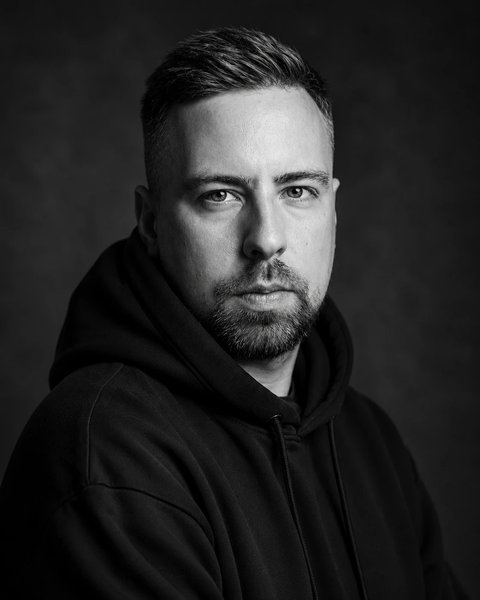
YOUR INSTRUCTOR
ART DIRECTOR / CG GENERALIST / MOTION DESIGNER
Over 14 years in CG, I have progressed from editing and motion design to art direction, international presentations and museum exhibitions. In our sessions I share that experience: how to approach a brief, choose tools, build a clear workflow and take a project through to delivery.
cgdannys.comMy projects and case studies
In 2021–2022 I taught Introduction to After Effects on the Motion Design track at GeekBrains. One-to-one sessions give me more time for your work: we examine decisions, identify why something is not working and tackle difficult stages together. I adapt the program and pace to your level and goals.
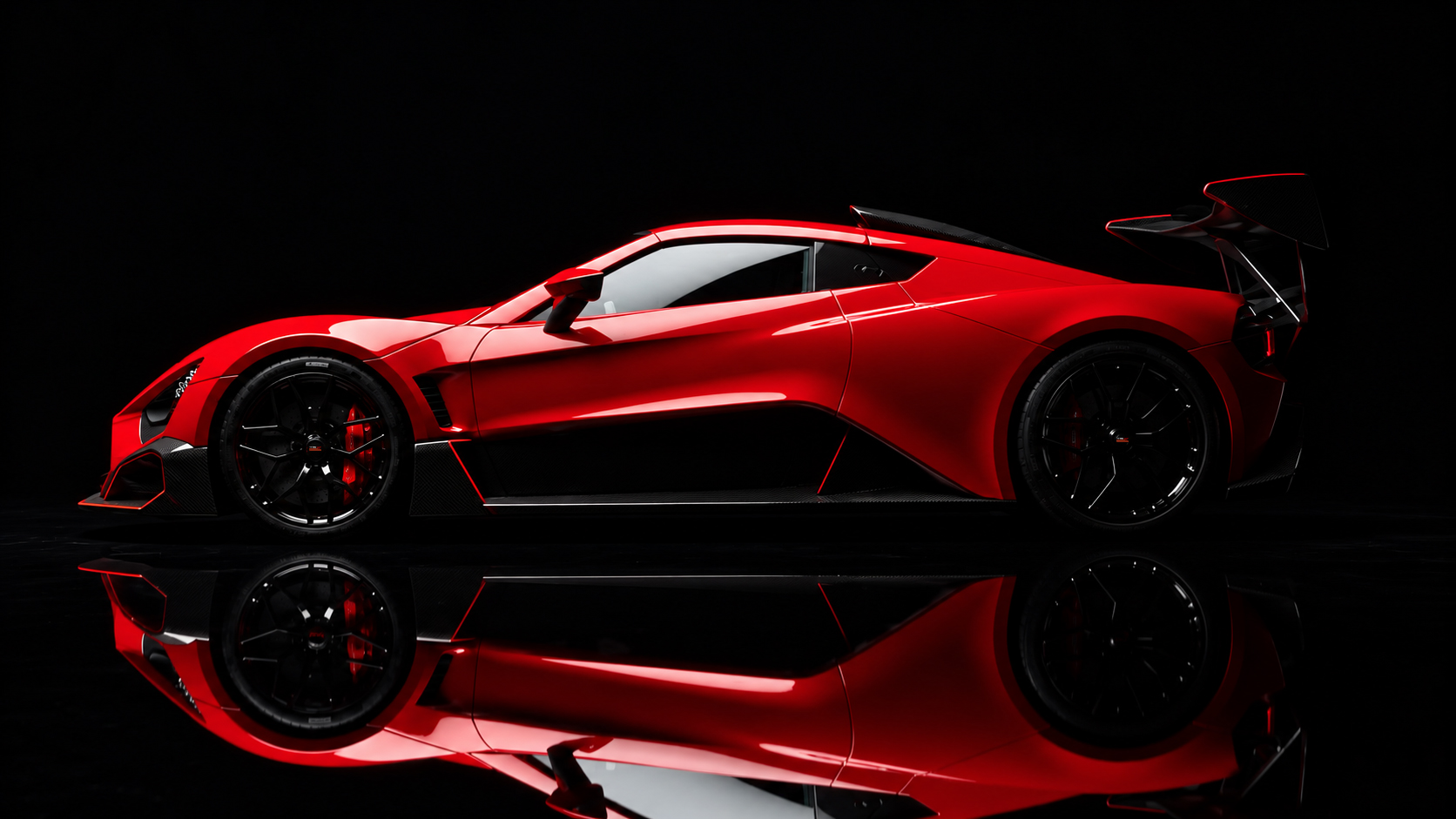
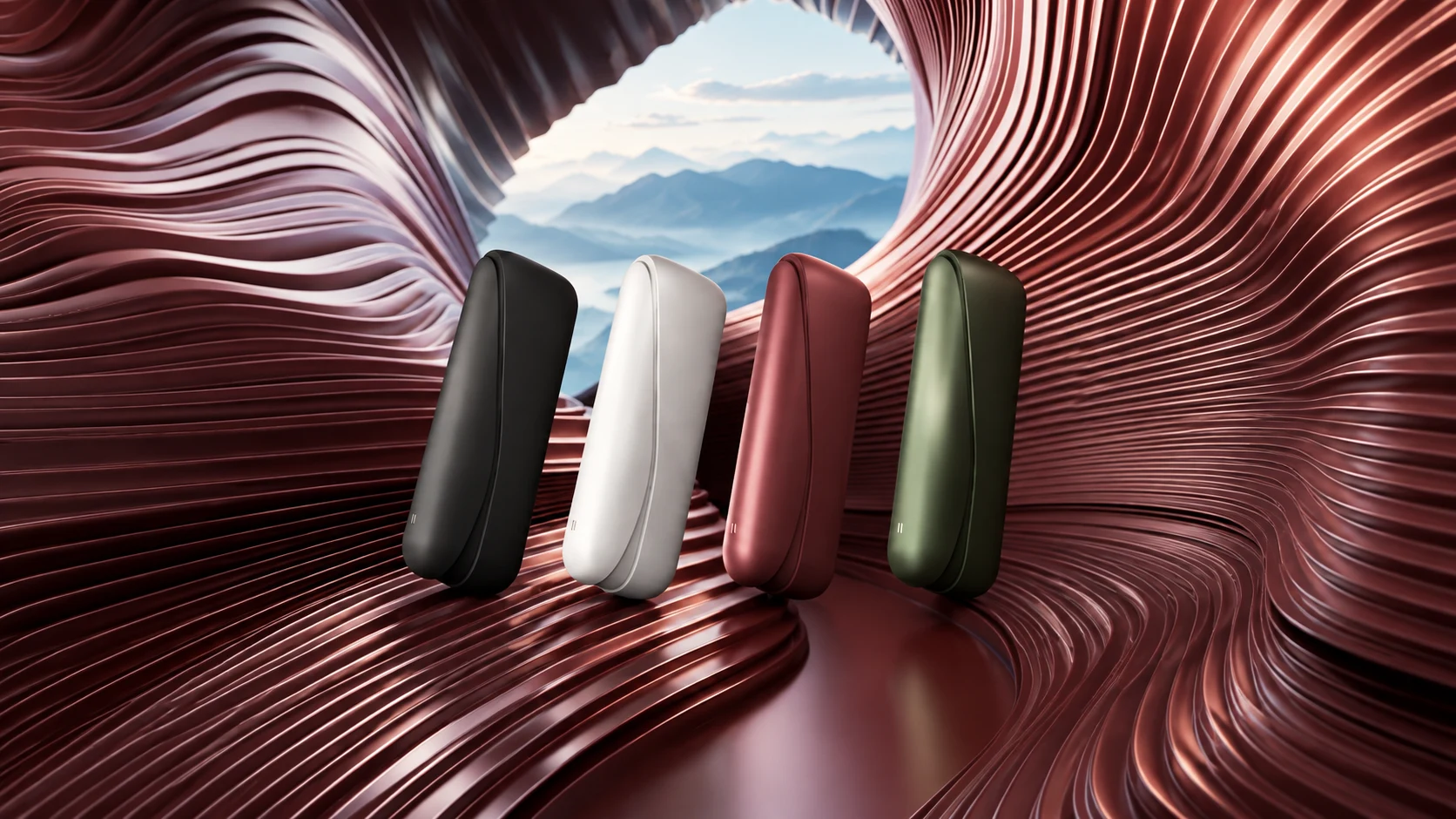
My explanations draw on real production work. My portfolio includes projects for Lay’s, Sberbank, IQOS, Russian Post, Kinopoisk and the Hermitage, a Zenvo TSR-S presentation for the Geneva Motor Show, and Naked Eye content for the St Petersburg Gas Forum. I work regularly with Russian Railways and Sinara Group, and create graphics for industrial and pharmaceutical companies. We can discuss both making a strong frame and what follows: approvals, revisions, optimisation and final assembly.
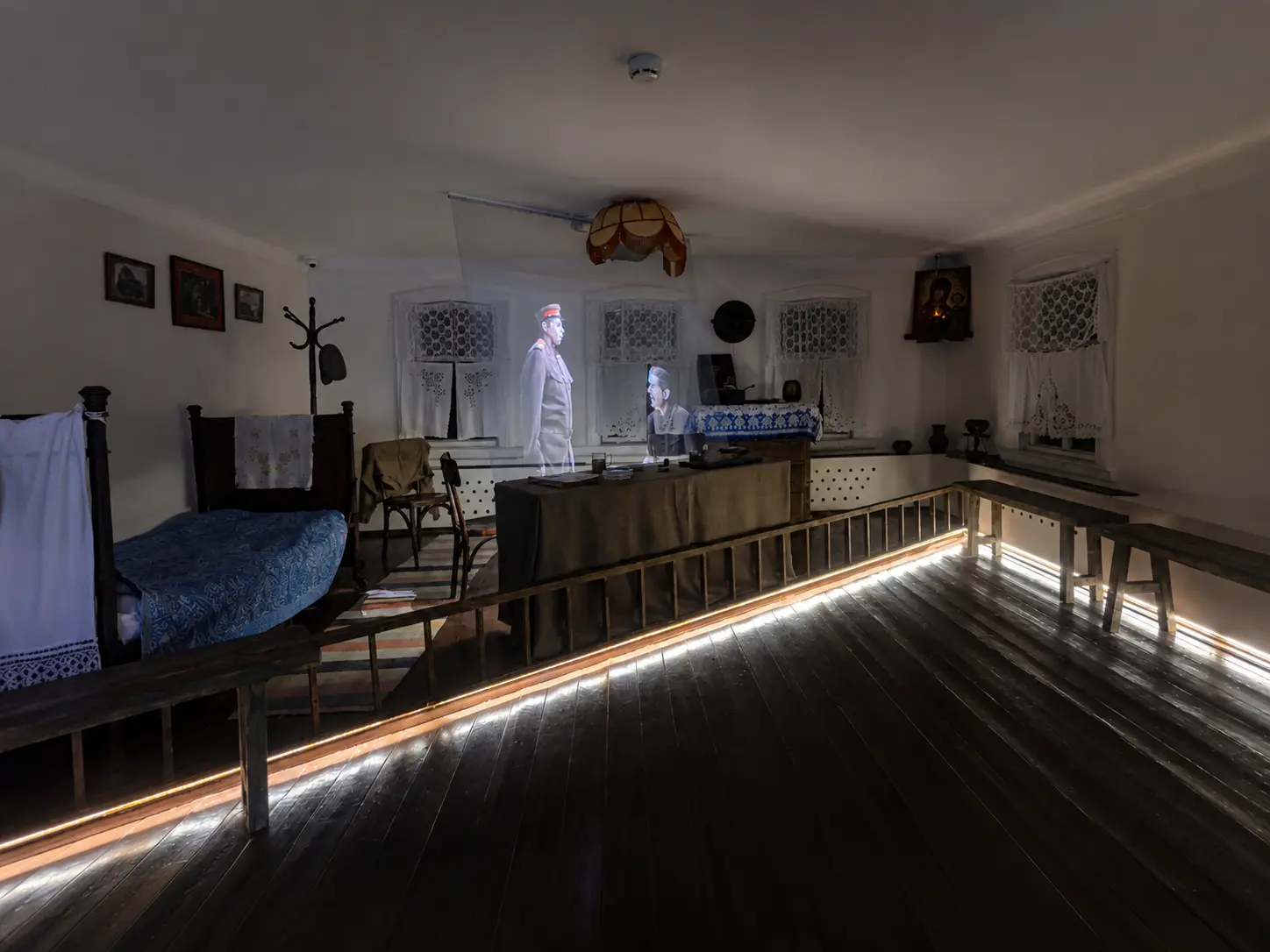
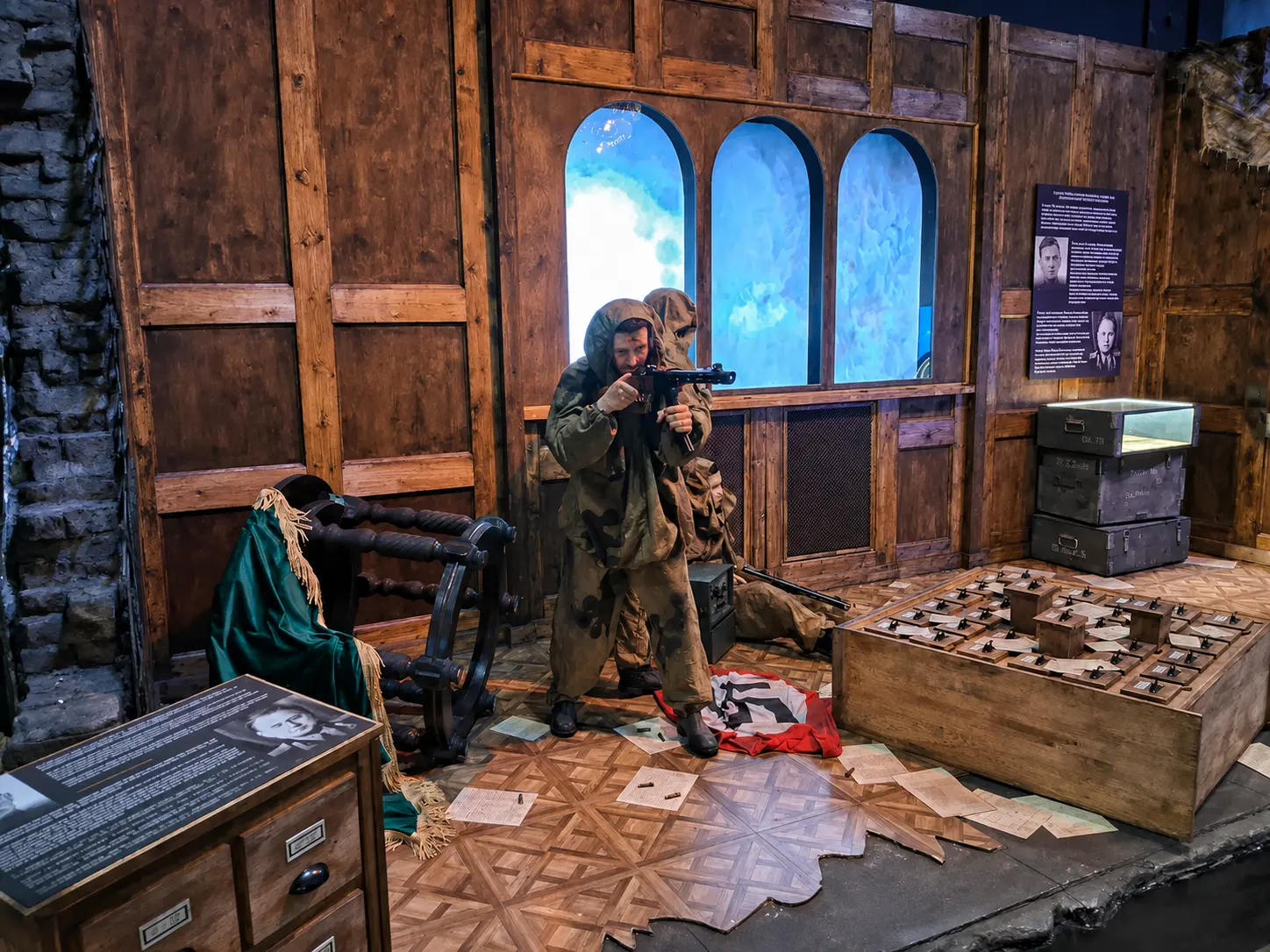
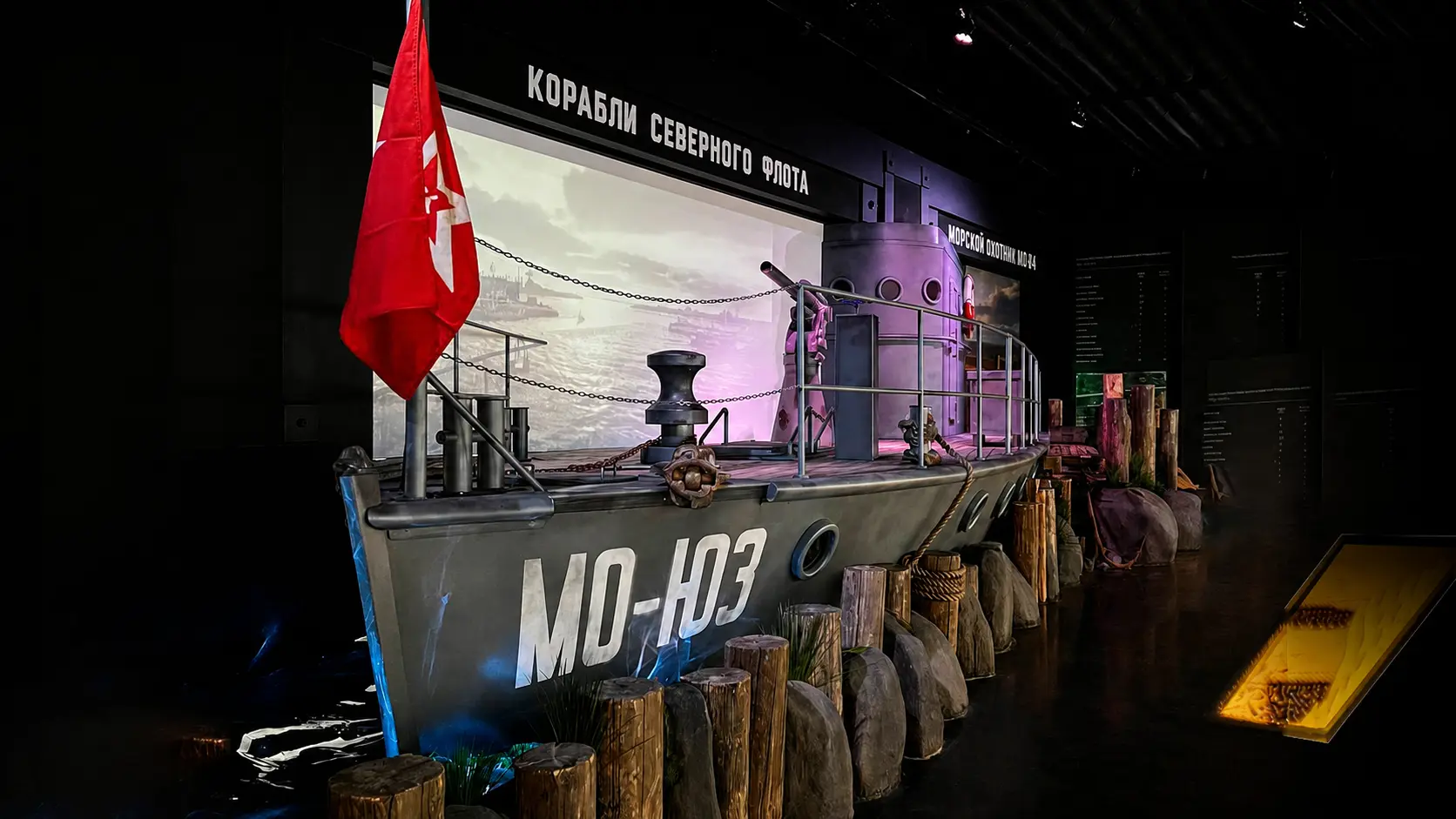
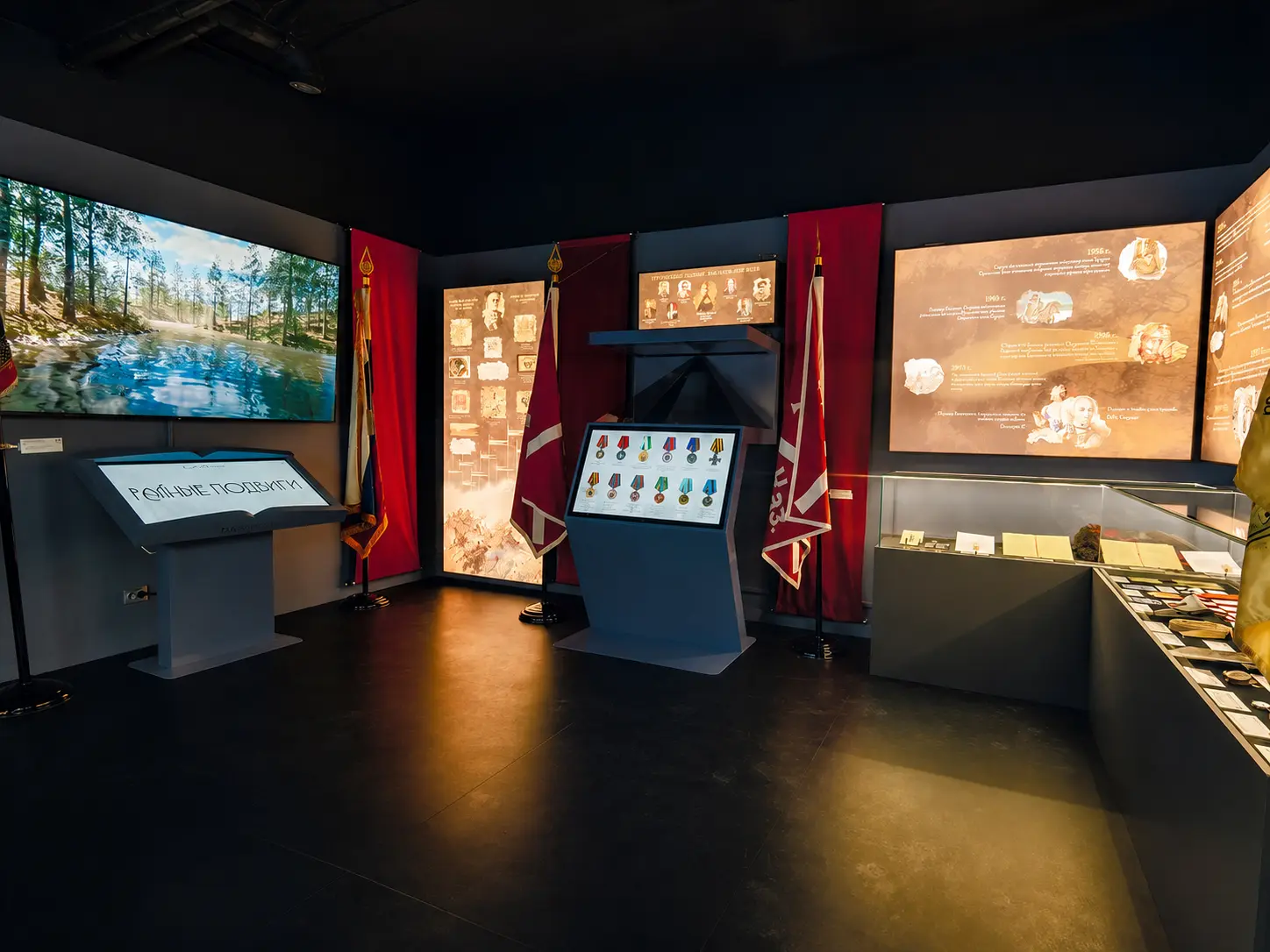
At Mediakit I lead art direction and develop visual concepts. I worked on the updated concept, script and multimedia content for Stalin’s Headquarters Museum in Rzhev. For the 1418 Steps to Victory Museum in Patriot Park, I developed visual concepts for more than 12 exhibitions about the Great Patriotic War and created their multimedia content. My work also includes the SMERSH. Baltic Fleet exhibition at the Museum of Naval Glory of Russia in Kronstadt and visual and multimedia content for the Siberian Cossacks Museum in Barnaul. These projects taught me to bring composition, graphics, animation and 3D into a coherent visual story — an approach I also share in teaching.
I began my professional career at ASTRA video studio in Volgograd, then worked on commercial projects and major music festivals. From 2014 to 2022 I was an author-moderator on Envato / VideoHive and created After Effects templates.
I have collaborated with TREHMER, HATE, Tushite Svet, Twin3D, Bolt Production and other studios.
My goal is for you to keep working independently after our sessions: understand your decisions, spot weaknesses and know how to fix them. We work hands-on, discuss your project and reinforce each stage with detailed feedback.
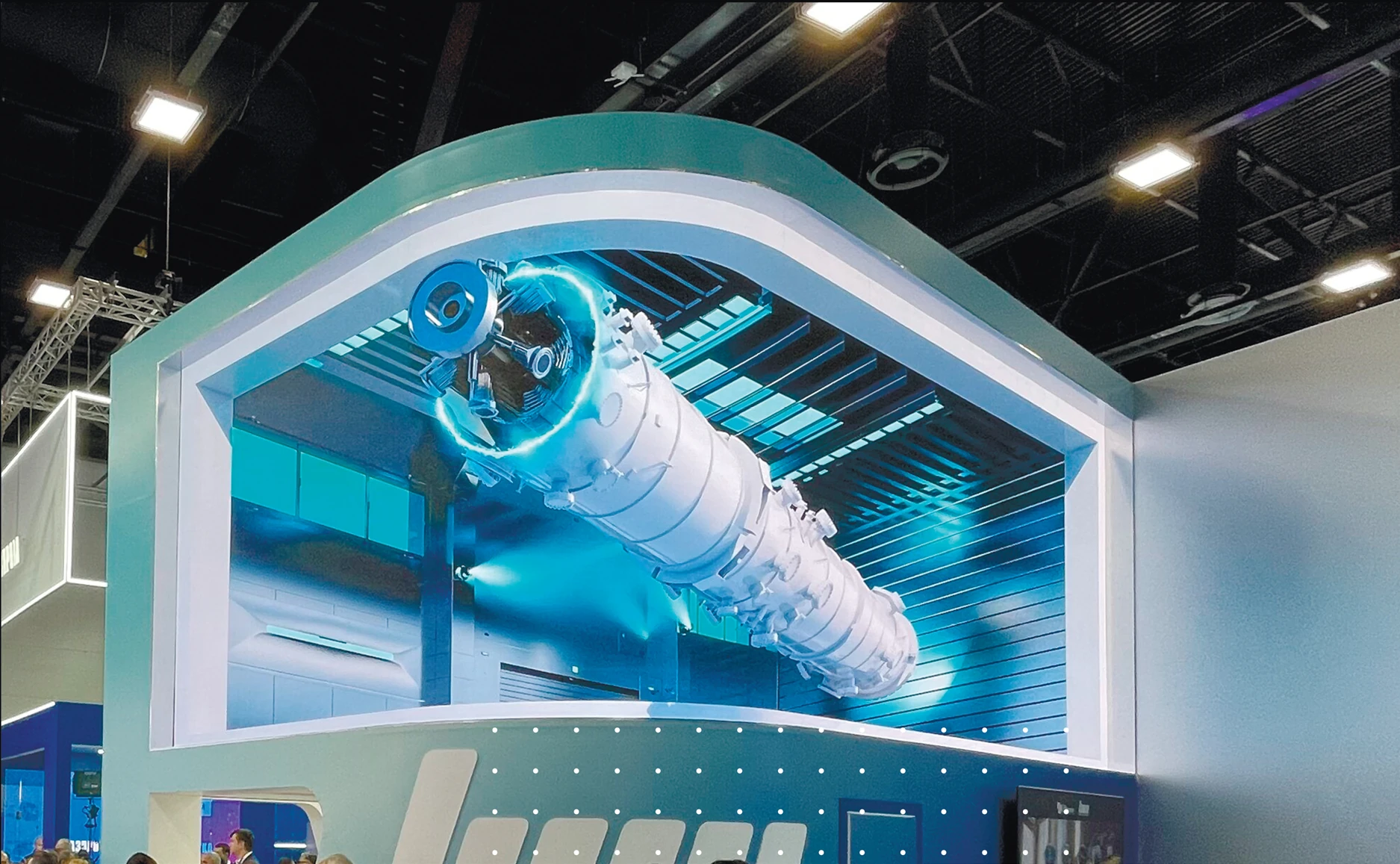
St Petersburg Gas Forum
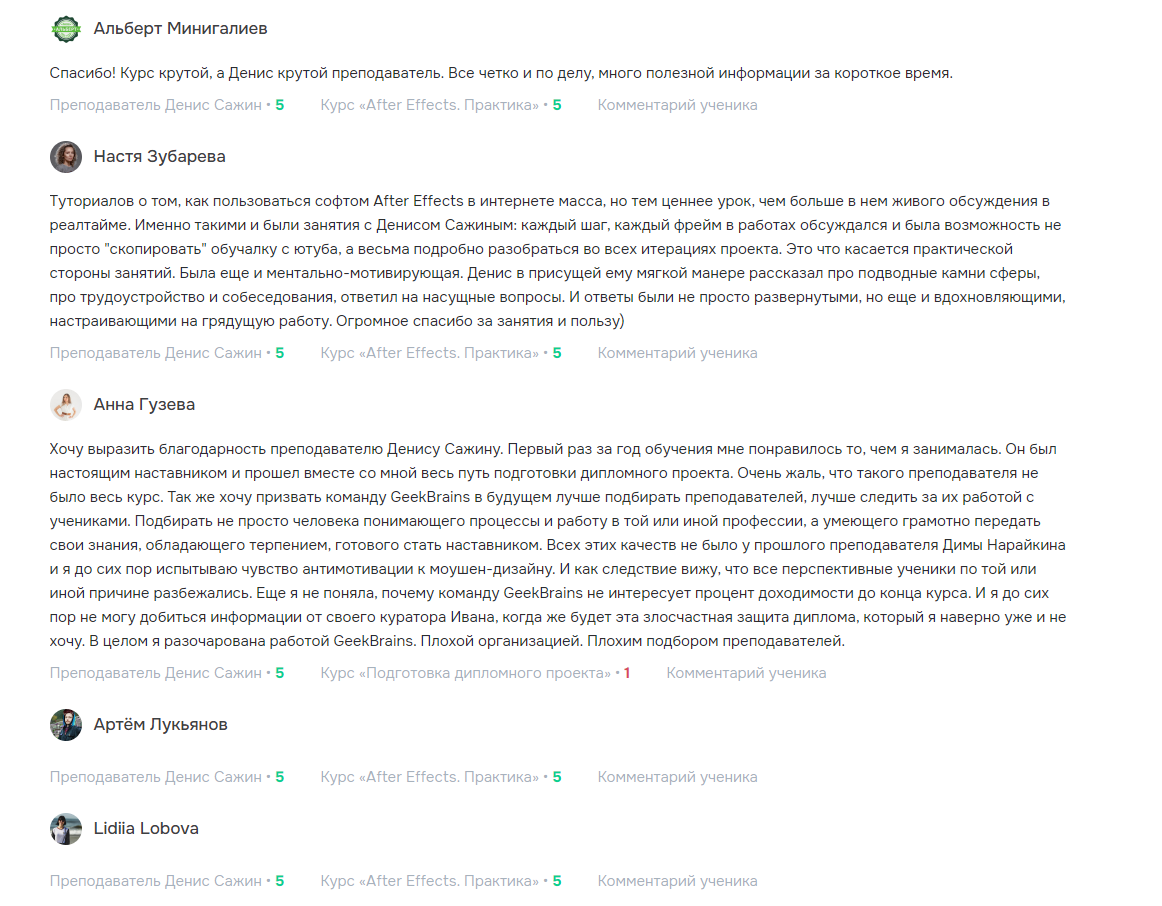
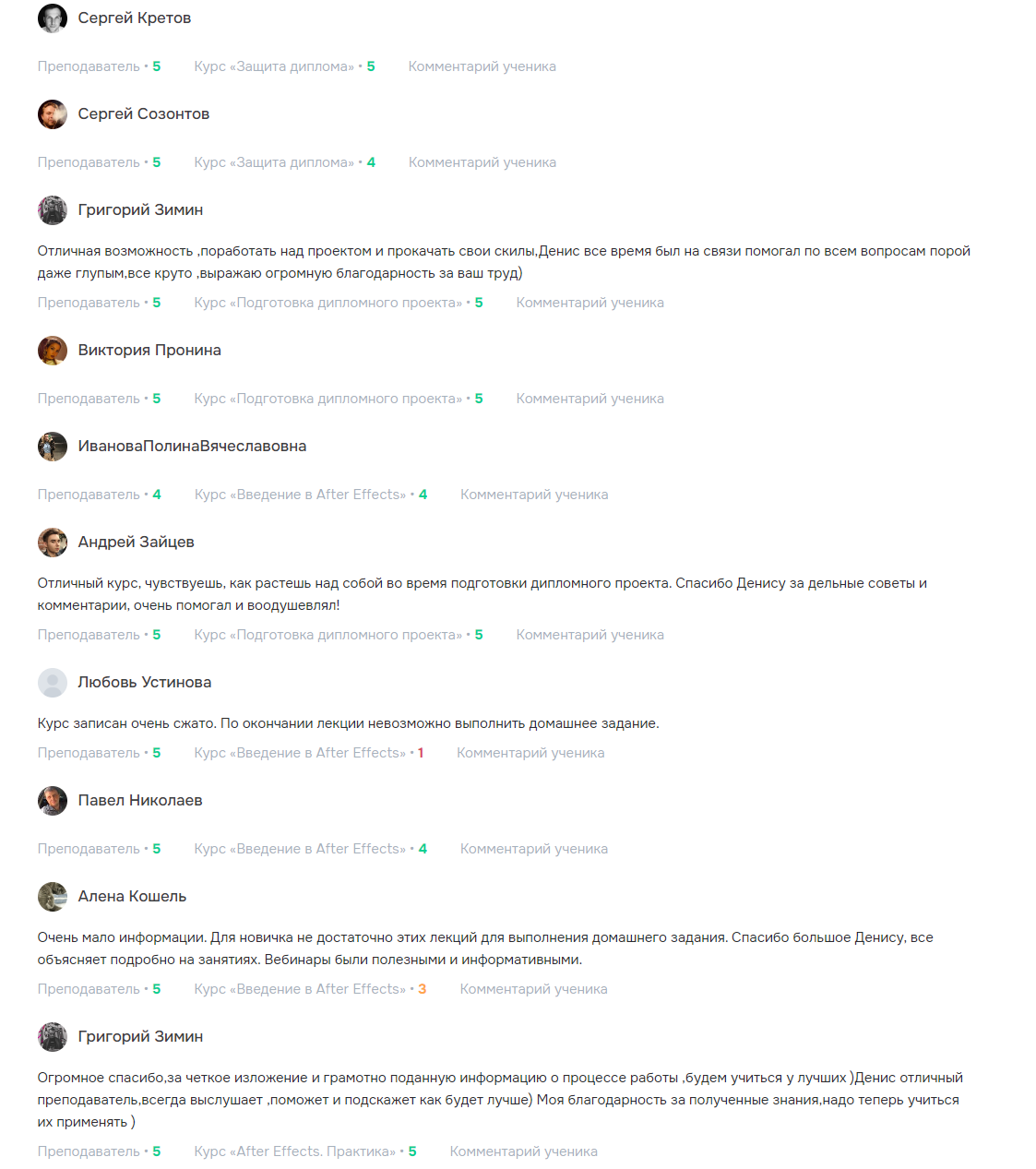
“Every step and every frame of our work was discussed. We could really understand each stage of the project instead of simply copying a YouTube tutorial.”
“Denis has an excellent individual approach to every student. Thank you for the knowledge.”
“A great course and Denis is a great teacher. Clear and to the point, with a lot of useful information in a short time.”
“Denis was always available and helped with every question. Many thanks for your work.”
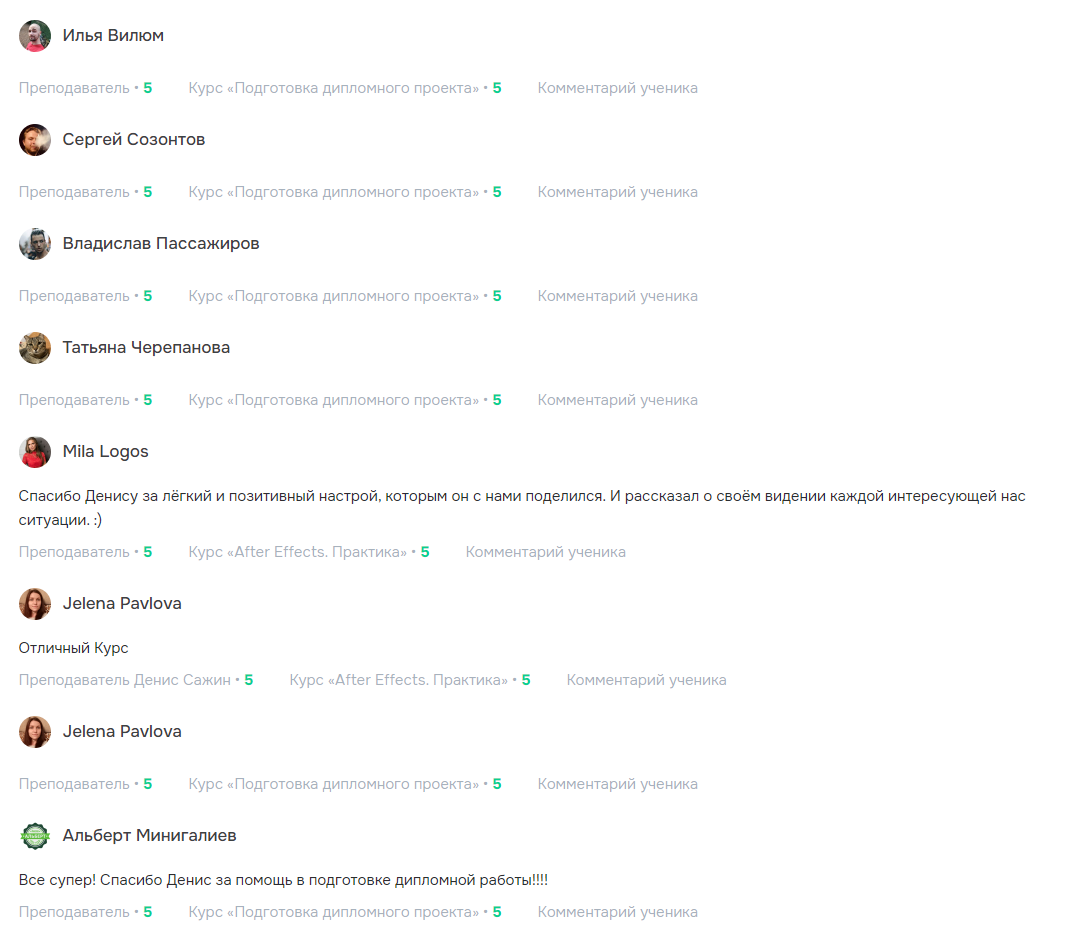
“Thank you, Denis, for the practical advice and comments. You helped and encouraged me a lot.”
“Thank you to Denis for the easygoing, positive attitude he shared with us.”

FAQ
Starting out, choosing a programme, software, practice and payment.
Yes. Foundations starts with composition, animation principles and the tools. Prior 3D experience is not required; practice and project revisions between sessions are essential.
Read moreFoundations is two months and one short film. Production is four months with deeper briefing, 3D, AI and compositing, two projects and two case studies. Production also includes a portfolio-website video lesson.
Read moreGroups follow a shared timetable and discuss practice with other participants. One-to-one learning provides individual reviews and an agreed schedule. Both formats follow the chosen programme.
Read moreDenis Sazhin teaches the programmes: a CG Generalist and art director with over 14 years of experience. Meetings review your project decisions, frames and revisions. You apply the material independently between sessions.
Read moreOne-to-one Foundations includes 16 sessions and Production 32, with 60- and 90-minute meetings up to twice weekly. Allow additional practice time. Group start dates and schedules are agreed before the programme begins.
Read moreYes, if you reserve time for meetings and practice. Discuss your workload when choosing a format. One-to-one scheduling is agreed individually; groups need a shared session time.
Read moreThe core applications are After Effects, Cinema 4D and Redshift, with AI services selected for the task. Unreal Engine is not included in Foundations or Production.
Read moreIt depends on your configuration and application versions. Compare your processor, RAM, GPU, operating system and free disk space with Adobe and Maxon requirements. Include your specifications when discussing training.
Read moreAI helps with ideas, images, individual shots and narration. Composition, movement and final assembly are developed with classical CG. For exact geometry, camera and lighting, keep control in 3D.
Read moreGPT Image 2, Nano Banana Pro, Seedance 2.5, Kling, MiniMax, ElevenLabs, Claude, ChatGPT and Codex. Choose tools for the project stage; you do not need every subscription at once.
Read moreFoundations targets one completed short film. Production targets two finished projects and two documented case studies. Develop them through practice and revisions rather than only repeating tutorials.
Read moreYes, all programmes allow instalments. Group Foundations is ₽34,999 and Production ₽69,999, with payment scheduling agreed before the start. One-to-one programmes are four payments of ₽20,000 or ₽37,500 respectively.
Read moreTraining is covered by a contract, with official payments through YooKassa. Software subscriptions, AI subscriptions and paid generations are separate.
Read moreEnrolment is open and joining is free. Classes run in small groups of five or more; the start date is announced in advance. Scheduling and a convenient payment plan are agreed before training.
Read moreYes. A ₽8,000 review includes an advance assessment of materials and a two-hour meeting. Send the film or scene beforehand and outline your questions about composition, animation, lighting, compositing or workflow.
Discuss your projectThe whole programme is designed to help you begin working on commercial tasks and apply for studio opportunities after completing the course. You will develop practical skills and create finished work: one project in Foundations or two in Production. These pieces let a potential employer assess your level, while you learn to explain your decisions. Further progress depends on your communication skills and your ability to adapt to a team’s working processes.
Read moreYOUR PROJECT · CLASSIC PRODUCTION + AI
Tell me what you already know and the project you want to build. We will choose a format and a schedule.
Classic tools and AI work together at every stage: ideas, visuals, animation and final assembly. Take either program one-to-one or in a group of five.
Group: five participants. The start date and schedule are agreed after the group fills; joining the waiting list is free.
One-to-one: 16 sessions — eight 60-minute and eight 90-minute meetings, 20 hours in total. Practice is reviewed during sessions.
Briefs, references, composition, colour and typography. AE interface, keyframes, curves, timing, shapes and masks. Use AI to explore and prepare visual ideas.
Scene assembly, basic rotoscoping and tracking, compositing and useful plugins. Refine prepared assets and reduce repetitive manual operations.
Briefing tools, choosing a model, generating images, video elements and voiceovers. Select and correct results, then integrate them into AE and 3D. Compare approaches by time and quality.
Blocking, cameras, simple animation, lighting, materials and nodes. Redshift basics, render passes, optimisation and AE assembly. Finish a small film and review the result.
Independent practice between sessions. We study 3D in Cinema 4D; Unreal Engine is not part of these programs. Subscriptions and paid AI generations are charged separately.
Classic tools and AI work together at every stage: ideas, visuals, animation and final assembly. Take either program one-to-one or in a group of five.
Group: five participants. The start date and schedule are agreed after the group fills; joining the waiting list is free.
One-to-one: 32 sessions — sixteen 60-minute and sixteen 90-minute meetings, 40 hours in total. One homework review per week between sessions.
Define the audience, constraints and criteria for the finished film. Gather references and work on composition, colour and typography. Create AI concepts, assess whether they can be animated, and build a storyboard.
Stage outcome: A brief, visual direction and a plan for the first project.
Work with keyframes, curves, timing, shapes and masks. Assemble scenes using tracking, basic rotoscoping and practical plugins. Combine animation with AI assets, refine shots and review the editing rhythm.
Stage outcome: The first completed project: a short 2D film.
Start a product or presentation film. Turn the storyboard into a 3D scene through blocking, basic modelling, scene organisation, cameras and motion. Use MoGraph for procedural animation and check composition before expensive renders.
Stage outcome: Blocking and an animatic of the second project.
Develop the product appearance through lighting, materials and Redshift nodes. Set up animation, quality and render passes. Review noise, render time and scene optimisation to prepare assets for compositing.
Stage outcome: The 3D visual direction and test renders.
Choose tools for images, video assets, voiceovers and scripting assistance. Transfer assets between tools, use references and maintain product appearance. Select generations, correct errors and compare solutions by quality and time.
Stage outcome: AI assets that fit the visual system of the project.
Combine render passes, generated assets and graphics in After Effects. Match colour, lighting and motion, refine masks and transitions. Automate repetitive tasks where this helps and check the results at each stage.
Stage outcome: A rough cut of the second film with a consistent visual style.
Review feedback against the brief and prioritise changes. Refine timing, editing, sound and the final composite. Optimise rendering, prepare the required formats and check export quality.
Stage outcome: A completed product or presentation film and its adaptations.
Present both projects as case studies: brief, visual decisions, process and final result. Review strengths and mistakes and plan further practice. The bonus video lesson shows how to build a WordPress portfolio site with AI.
Stage outcome: Two finished projects: a 2D film and a product or presentation film.
Independent practice between sessions. We study 3D in Cinema 4D; Unreal Engine is not part of these programs. Subscriptions and paid AI generations are charged separately.